


For families
Your child's day, right in your pocket
If your child's center uses Cubby, the app brings you their photos, updates and messages from their teachers. It's free for families.
Got an invite? Open it on your phone, tap the link, create a password and you're in. Trouble with your invite?
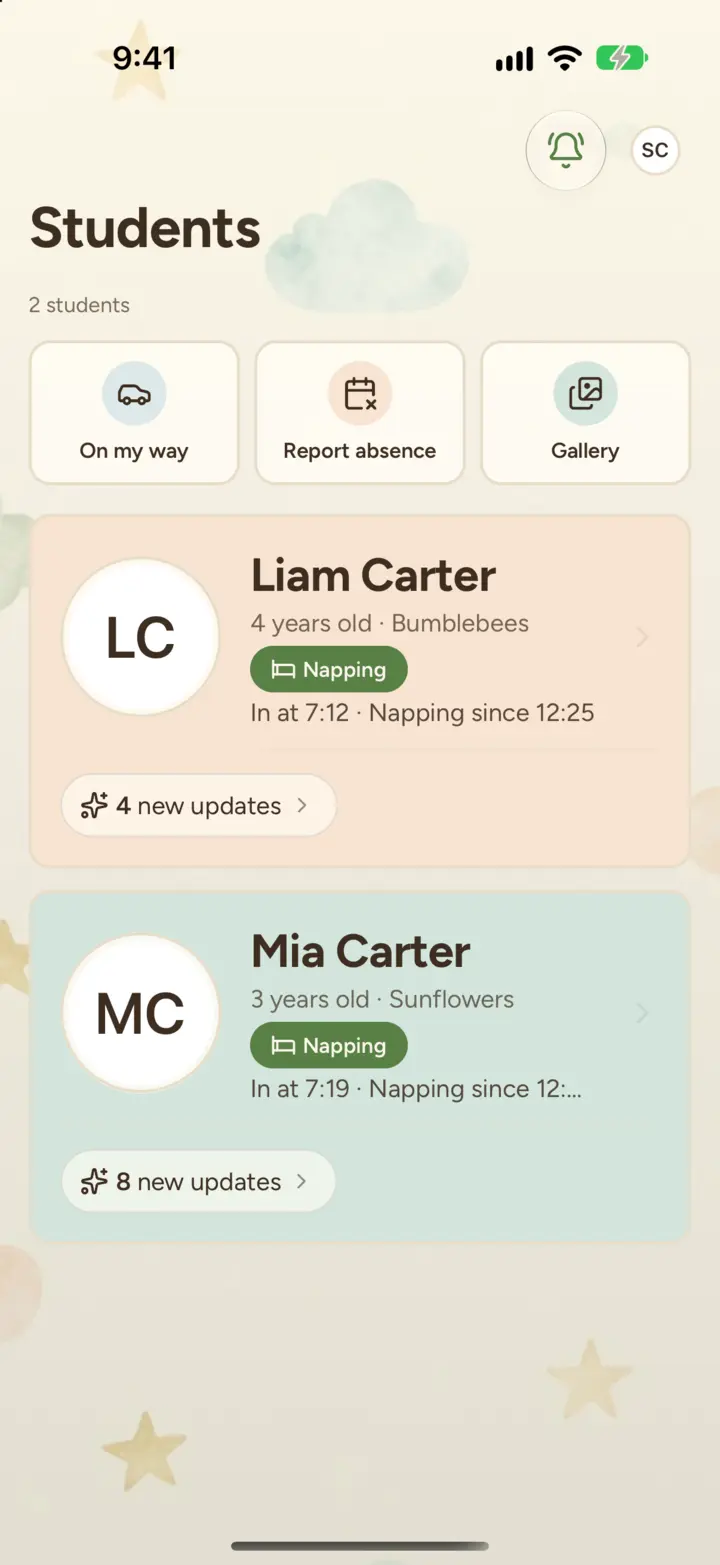
What Cubby shows you
Their day as it happens.
Naps, meals, diapers, activities and photos, as teachers log them.
An evening recap.
One notification at closing time sums up the day, if your center has it turned on.
Message teachers.
Chat with your child's classroom, or privately with the directors.
Every photo in one place.
A gallery grouped by month. Save or share any photo.
Absent or running late?
Report an absence ahead of time, or tap "On my way".
Pay tuition from the app.
Open the billing portal to save a card or bank account, and autopay takes care of the rest, if your center bills through Cubby.
Notifications your way.
Quiet hours, photo previews, and likes and comments bundled into one summary.
Opens instantly.
Cubby shows your saved updates even with no signal.
Need a hand?
- Get the app and join your center
- My invite link isn't working
- I forgot my password
- Notifications and quiet hours
- Change my payment method
For questions about your child, their schedule or your bill, your center is the best place to start. For help with the app, email hello@thecubbyapp.com.

Wish your center used Cubby?
Let your director know. We'll take it from there.
Share Cubby with your centerYour child's information stays with your center
Your center decides who can see what, and each person sees only what their role allows. Cubby never sells your information. Read our privacy policy